
Step 1
Register your department
Pick it from the National Fire Department Registry and confirm your email. You become the Chief. Add a card to start the 30-day trial.

Run your rotation, track time off and overtime, apply your pay rules, and build the payroll file in your payroll system's own import format. The department owns the account. Members join by invite.
30-day free trial · then $2.50 per member per month · card required to start
See it in action
The schedule, pay and time off on the web for the office, and on every member's phone.
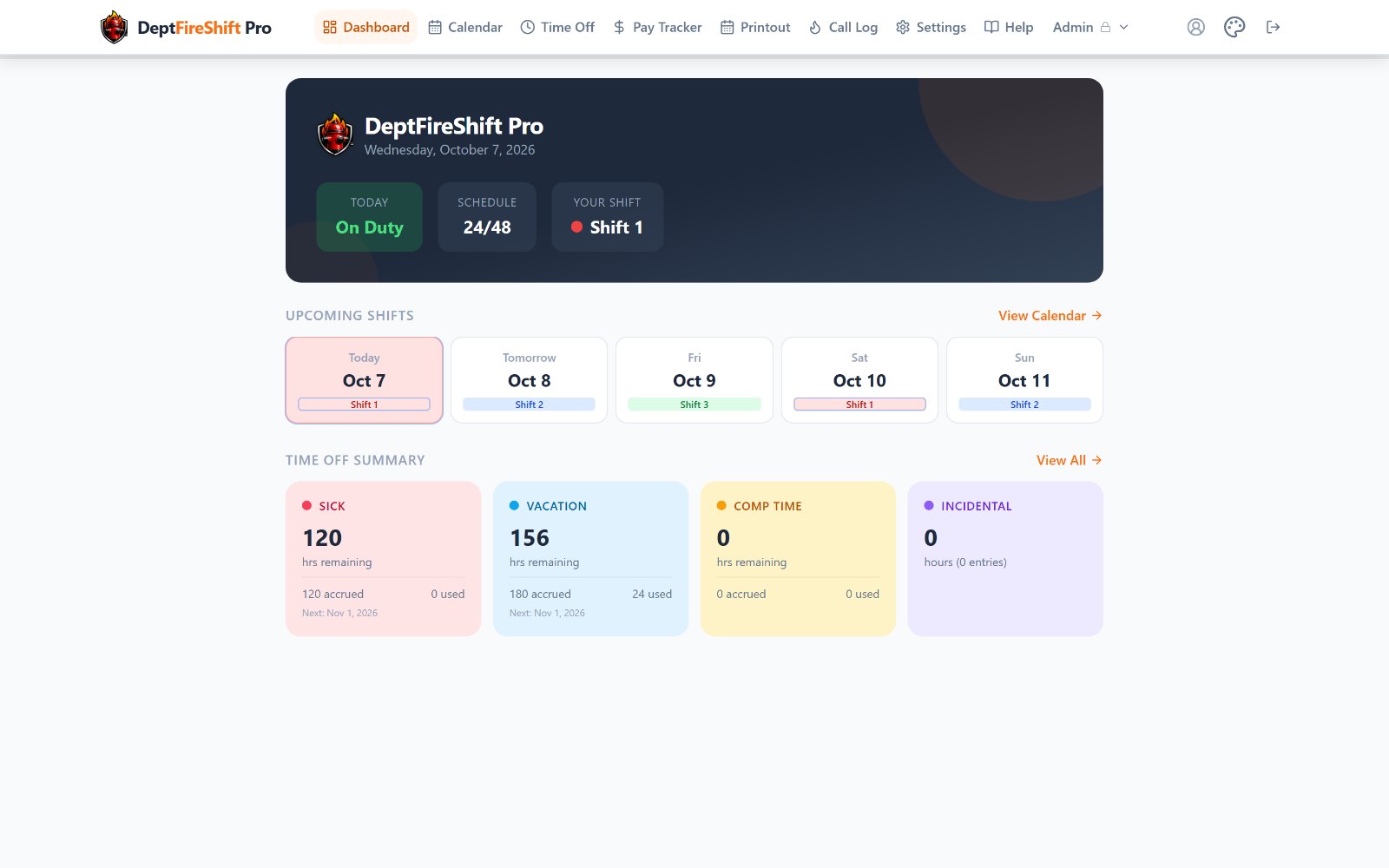
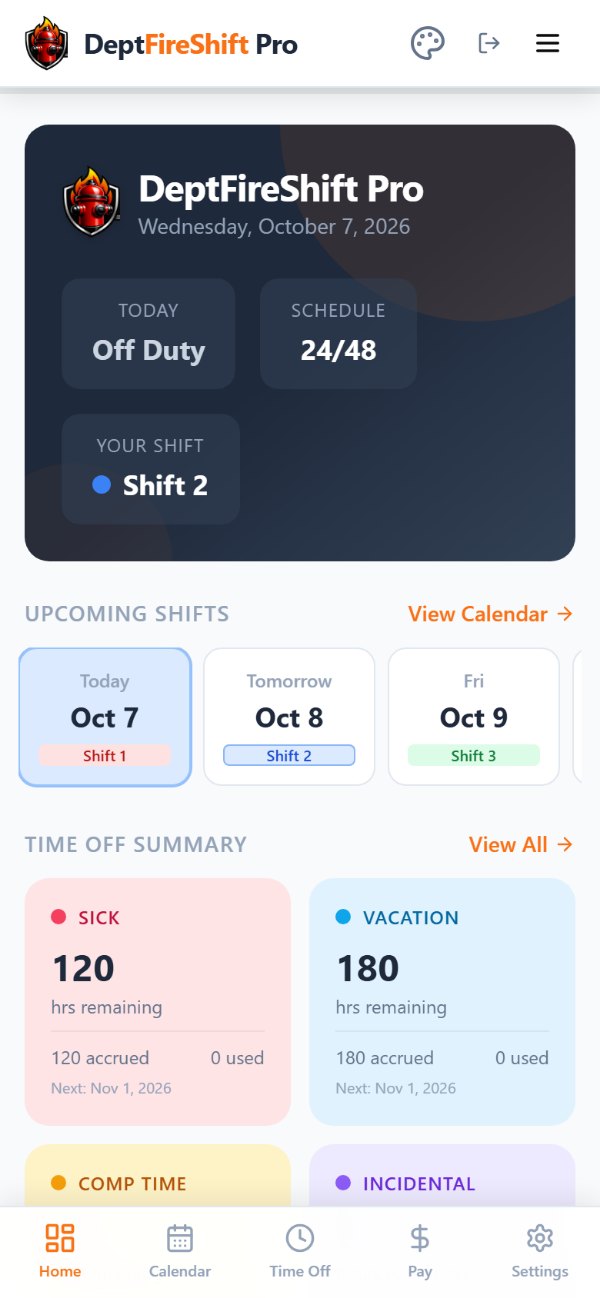
Built for how fire departments schedule and pay people, not a generic calendar app with a fire theme.

24/48, 48/96, Kelly, California, Detroit, Panama, DuPont, 10s and 14s, office hours, or a custom pattern, with color-coded crews.
Learn more →
FLSA 7(k) overtime, holiday pay, steps and COLAs at the right rate on every date, and a payroll file built from your vendor's own template.
Learn more →
Sick, vacation, comp time, incidental and banked holiday leave, with accrual rates and balances everyone can see.
Learn more →
A shift swap counts once both members confirm it, and it shows on both calendars and in the pay.
Learn more →
A private calendar feed keeps shifts and time off current in Google, Apple or Outlook calendars.
Learn more →
Ask "when do I work next?" or have it log overtime. Anything it would change waits for a confirm tap.
Learn more →Pick it from the National Fire Department Registry and confirm your email. You become the Chief. Add a card to start the 30-day trial.
Invite members by email or from a spreadsheet, with grade and hire date. Appoint co-admins to share the work.
Choose your rotation and pay rules. Members log time off, overtime and calls. You approve, the period locks, you export payroll.
The department owns the account. When a Chief moves on, the records stay and the seat changes hands.
Runs the department and its billing. The seat is handed off by email, and nothing changes until the new Chief accepts.
Share scheduling, invites and approvals. One can also manage billing.
Never pay. They see their shifts, pay and balances, and log time off, overtime and calls.
A second job or volunteer company a member tracks privately. Your admins never see it.
Pricing
$2.50per member, per month
Or $25 per member per year. Every feature included. Billed only for members who've joined; the first 30 days are free.
How billing works →Security & data
Access is enforced in the database by role. Our support account is clearly marked, and your Chief can turn it off at any time. Card payments are handled by Stripe.
How we protect it →
30 days free. Already registered? Ask your Chief to invite you instead.